


How to Use Gemini to Generate High-Quality Pictures from Prompts from Afriprompt
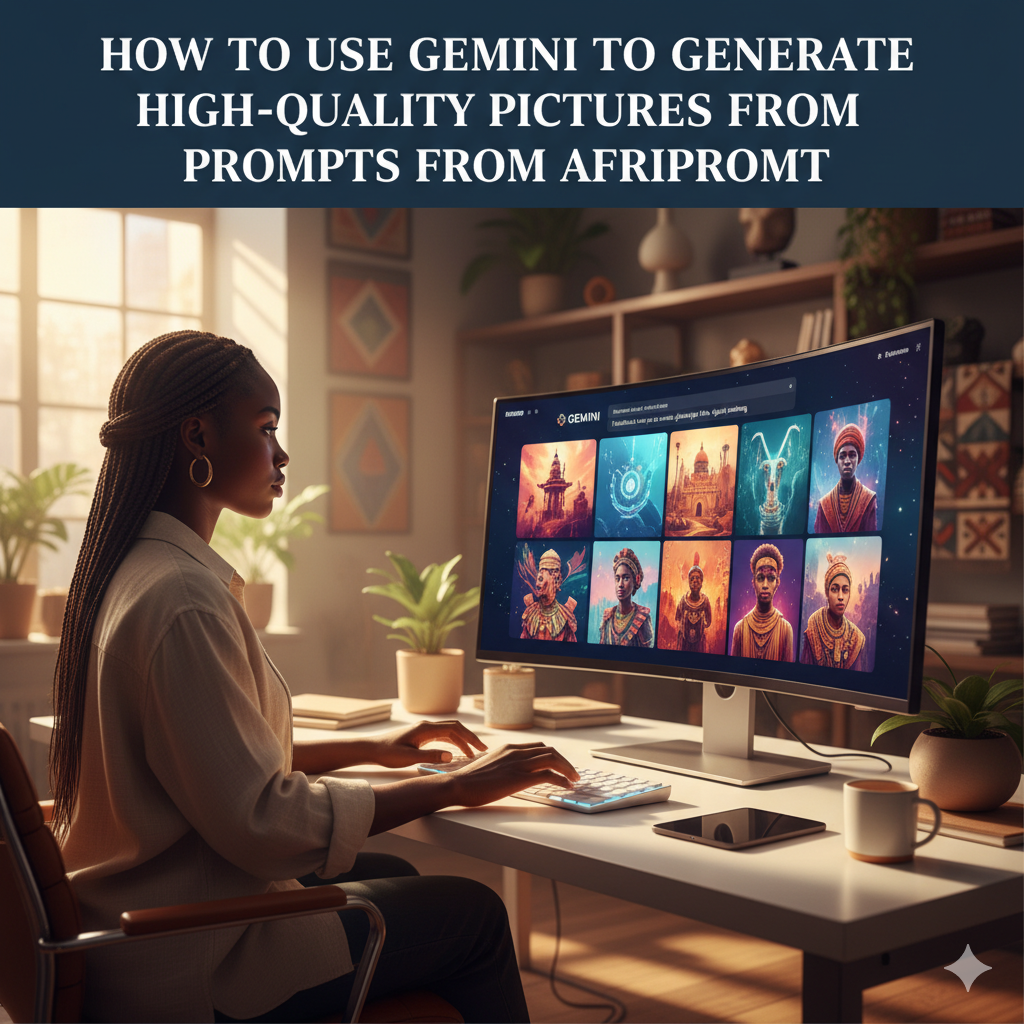
How to Use Gemini to Generate High Quality Pictures from Image Prompts
At Afriprompt.com we believe in making artificial intelligence simple, creative, and accessible to everyone.
One of the most powerful tools available today for AI image generation is Gemini, Google’s advanced model that can create realistic and artistic images from your text or image prompts.
This Google Gemini tutorial will walk you through the entire process of using Google AI Studio to generate high quality pictures from image prompts, refine them, and download the results for use on your blog or social media.
Gemini is part of Google’s next generation of AI models and it understands both text and images so you can describe a scene or upload a reference photo and get impressive visual output.
To begin, open your browser and go to GOOGLE AI STUDIO and sign in with your Google account to access the Gemini tools and the Google AI Studio interface.
Once you are signed in start a new chat or project and choose the Gemini model available to you, ideally Gemini 1.5 Pro or the latest Gemini 2.0 for the best image understanding and detail.
Next find the option to upload an image prompt, this is a reference photo that helps Gemini understand the subject, style, or composition you want the AI to use.
After uploading your image write a clear prompt in the text box that accompanies the image, describing mood, lighting, clothing, background, and any specific artistic style you want.
For example you could write: Create a realistic portrait of a young African woman wearing a colorful Ankara dress inspired by this image with natural outdoor lighting and a soft background.
Click Generate and Gemini will combine the uploaded image and your text prompt to produce one or more generated pictures that appear in your workspace.
Review the generated results and download any image you like or refine your prompt and generate again to get closer to the exact vision you have in mind.
The real secret to consistent high quality AI image generation is learning to describe what you want clearly using rich descriptive language and actionable keywords.
You can also include long tail prompt phrases such as how to create AI pictures online with Gemini or AI image prompts for portraits to guide the model and improve creative direction.
If the images appear soft or not detailed enough try adding cues like ultra realistic, high resolution, or professional photography style to encourage sharper output.
Experiment with different artistic styles by asking for cinematic photography, oil painting style, digital illustration, or cartoon style to see how Gemini adapts to each request.
When generating images of real people always be ethical and use only your own photos or properly licensed images, and avoid creating misleading or harmful content.
When you find an image you want to keep click the options menu and select download to save a high resolution file to your device for editing or publishing.
Google AI Studio can save your sessions so you can return later, continue refining prompts, and generate multiple variations without starting from scratch.
One of the reasons Gemini is so popular is that it does not require coding knowledge, the Google AI Studio interface is beginner friendly and works directly in your web browser.
For more creative control try combining multiple prompts in one session like asking for different lighting scenarios or cultural outfit variations from the same reference image.
The more you practice the better you will get at crafting prompts that consistently produce the results you want, so think of it as learning to speak the language of visual creation.
Many creators use Gemini for blog images, marketing visuals, concept art, and educational materials because it speeds up the creative process and helps visualize ideas quickly.
If you discover prompt templates or patterns that work well save them for reuse so you can generate consistent results across projects without starting from zero each time.
AI generated art is ultimately about creativity and storytelling, and Gemini helps you turn ideas into shareable visuals that support the story or message you want to communicate.
Using Google AI Studio for image generation also brings reliability and speed since the service is hosted by Google and does not require local installations or heavy hardware.
If you ever get low quality results do not be discouraged, often a few extra descriptive words or a change in phrasing can dramatically improve the output.
Gemini is continually improving so check for updates and new model versions to take advantage of better image quality and new creative features in AI picture generation.
Always keep ethics, originality, and transparency in mind when you publish or share AI generated images, and be clear when content has been created or enhanced with AI.
By following the steps in this Google Gemini tutorial you can master how to use Gemini to generate high quality pictures from image prompts and build a reliable creative workflow.
At Afriprompt.com we are committed to helping creators, students, and professionals learn AI tools with clear tutorials, prompt ideas, and practical tips for everyday use.
For more AI tutorials, Gemini guides, prompt examples, and creative inspiration visit Afriprompt.com and explore our growing library of resources for AI creativity.

 English
 Arabic
 French
 Spanish
 Portuguese
 Deutsch
 Turkish
 Italiano
 Russian
 Romaian
 Portuguese (Brazil)
 Greek
Greek